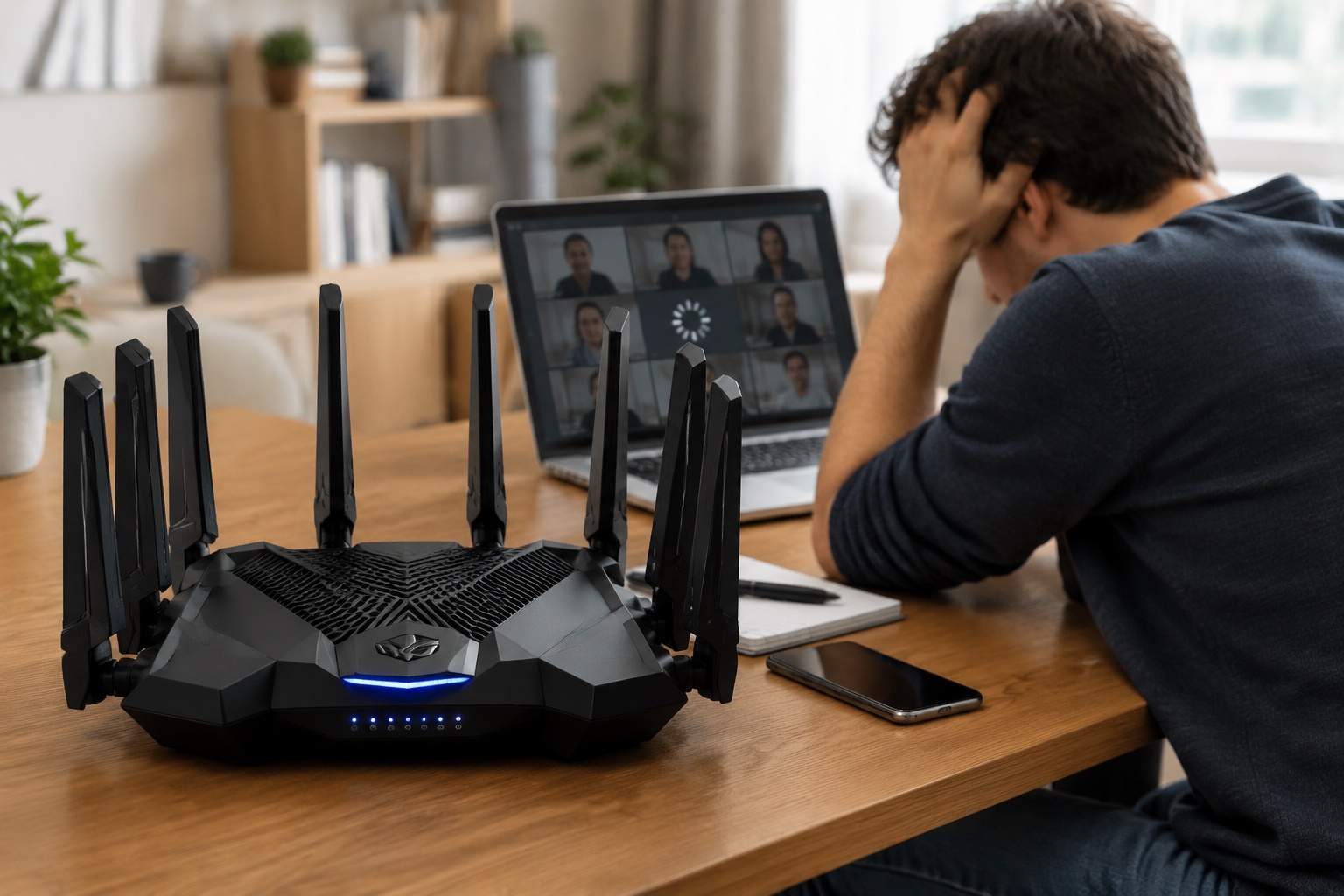
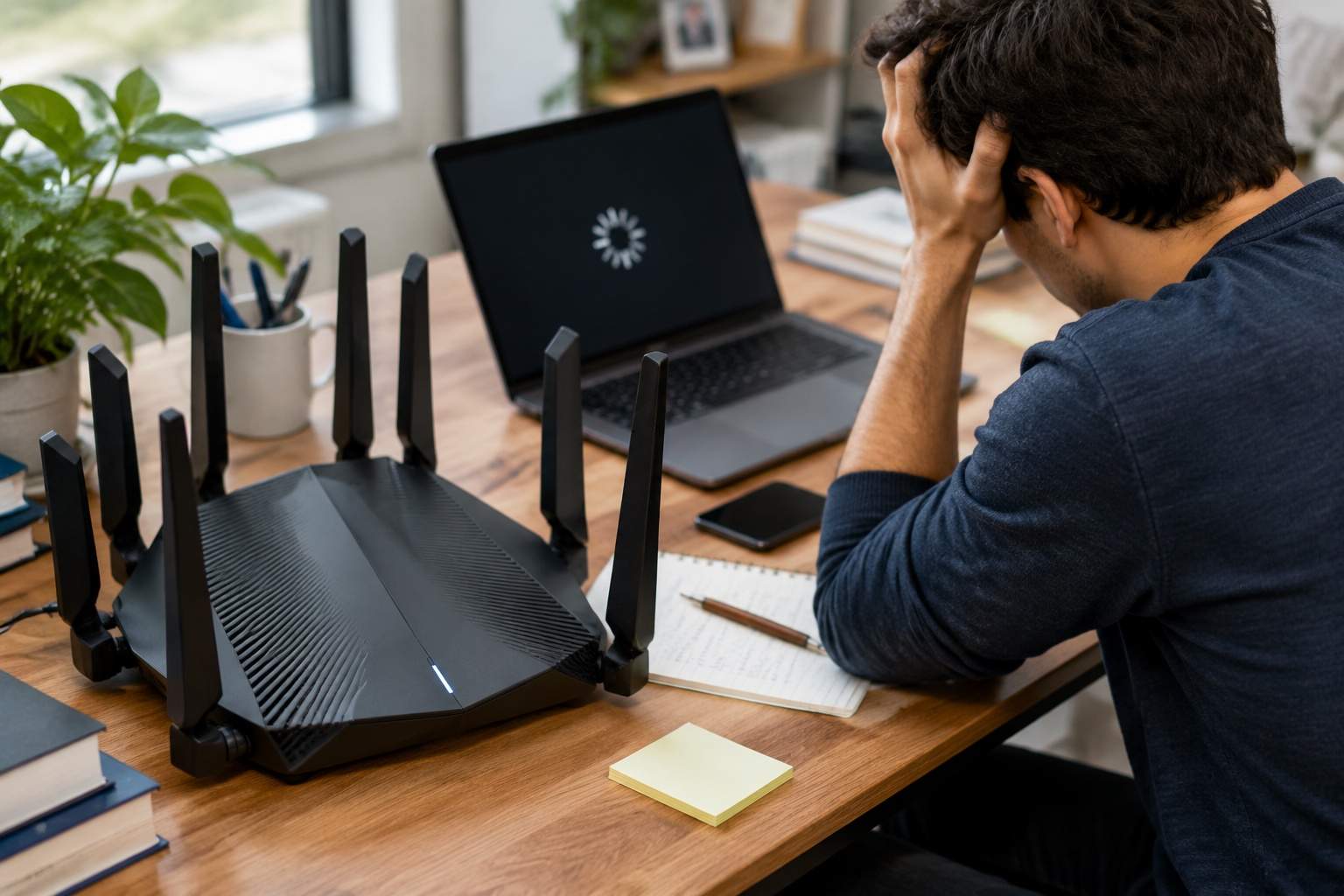
You are in the middle of a high-stakes Zoom presentation in your home office, but the video freezes the second you close the door for privacy. This is happening even though your flashy gaming router with eight antennas is sitting right in the next room. You spent three hundred dollars on a piece of hardware that looks like a robotic spider, yet you are still tethered to a phone hotspot just to finish a meeting.
As a hardware engineer who has spent years looking at signal charts, I can tell you that the consumer market has sold you a lie. We have been conditioned to believe that a single beast of a router can blast through walls like a microwave oven. This obsession with high-gain antennas and wall-penetration modes is exactly why your connection is unstable.
The problem is not the speed your router can reach; it is the physics of signal attenuation. Every time a Wi-Fi signal hits a piece of drywall, it loses about 3 to 5 decibels of strength. If it hits a solid wood door or a brick wall, that loss doubles. By the time the signal from your expensive router reaches your laptop in the office, it is not just weaker; it is noisy.
Think of it like a conversation in a crowded restaurant. A high-power router is like a person shouting from the bar to a table in the corner. You can hear that someone is shouting, but you cannot understand the words. In the tech world, we call this a poor Signal-to-Noise Ratio. Your laptop spends more time asking the router to repeat the data than it does actually processing your video call. This creates jitter, the true enemy of productivity.
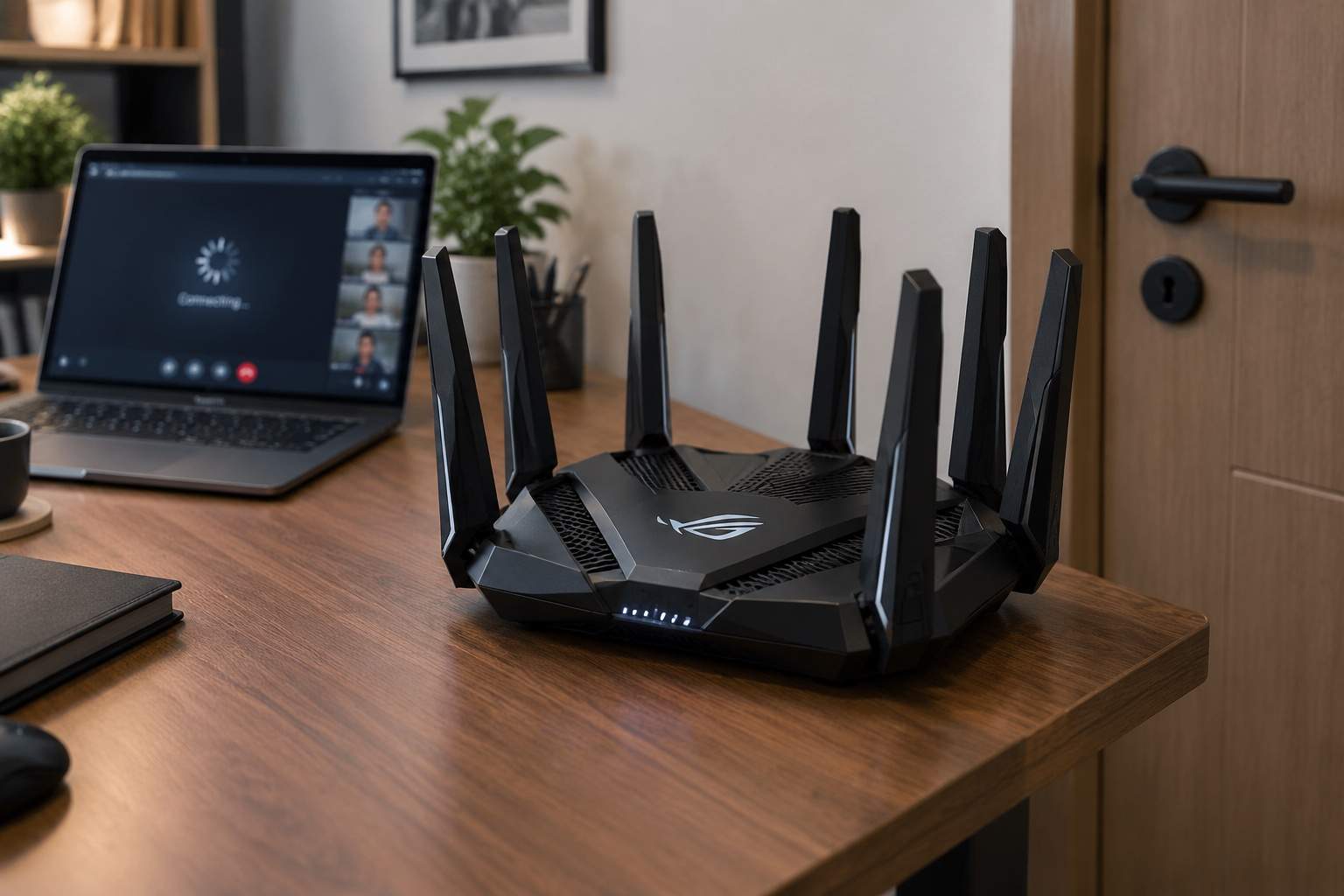
Most people look at the box and see Wi-Fi 7 or 802.11be and think they are future-proofing their home. In reality, these high-frequency bands are even worse at passing through walls than the older tech. If you are fifty feet away and behind a wall, those expensive Wi-Fi 7 features provide zero benefit. You are paying for a highway speed limit of 200 miles per hour while driving through a school zone.
Let’s look at the data. A single flagship router might boast 5,000 square feet of coverage. In a real-world test with two internal walls, that coverage drops effectively to 600 square feet for high-bandwidth tasks. Conversely, a basic three-node mesh system costing the same amount distributes the load. By placing a small node inside your office, the signal only has to travel three feet to your laptop.
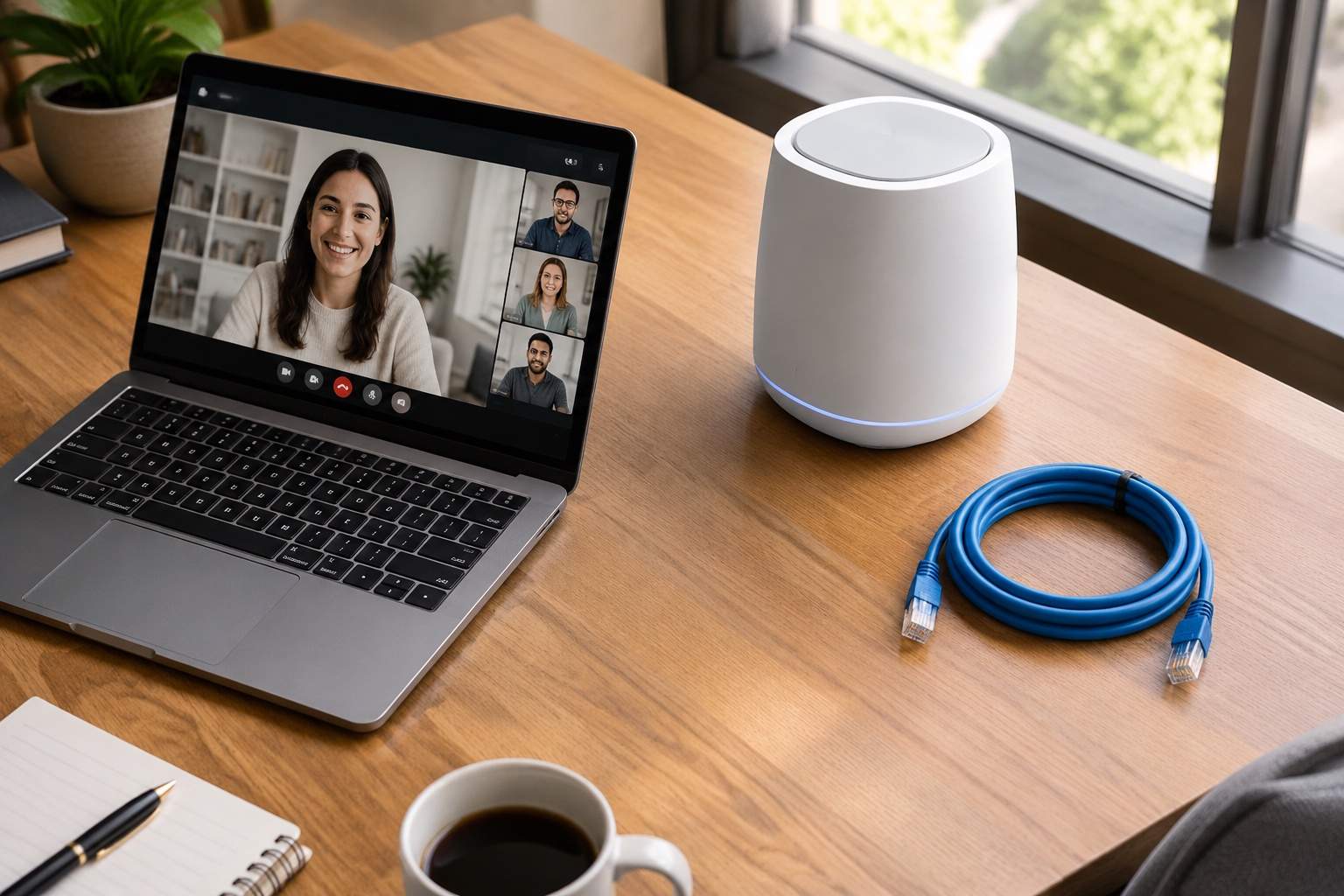
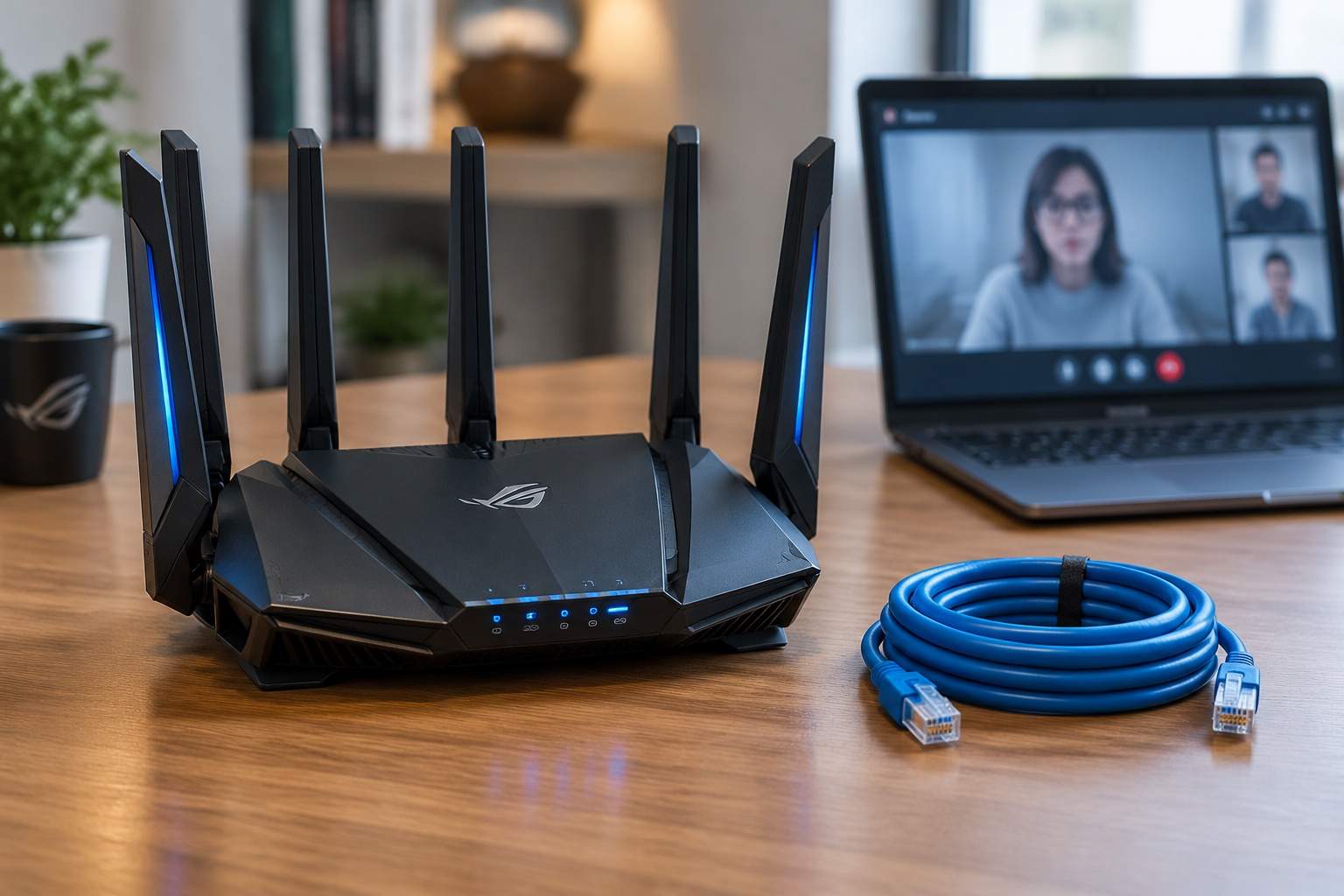
The gold standard for anyone who works for a living is wired backhaul. This means using a simple Ethernet cable to connect your router to your mesh nodes. When you do this, you stop relying on the air to move data between rooms. A twenty-dollar cable and two cheap nodes will outperform a five-hundred-dollar gaming router every single time.
For the person living in a studio apartment, a single high-end router is fine. It is an industrial-looking centerpiece that handles a dozen devices in an open space beautifully. But for the professional with a family, a home office, and multiple rooms, the single router is a bottleneck. It is a single point of failure that struggles to manage MU-MIMO effectively when devices are scattered behind barriers.
Industrial design for these expensive routers is often about ego rather than efficiency. Those eight antennas are mostly for show. They allow for more spatial streams, but if your laptop only has two antennas, the other six are essentially sitting idle while you lag. A more pragmatic design is the discreet, white cube of a mesh node that sits on a shelf and stays out of the way.
If you want to fix your office productivity, stop looking for more power and start looking for more proximity. High-power routers are designed to win at marketing, not at physics. Real efficiency comes from a distributed network where the signal never has to fight a door to reach your screen. Your goal is not to have the loudest router on the block, but the one that speaks most clearly to the device in your hand.