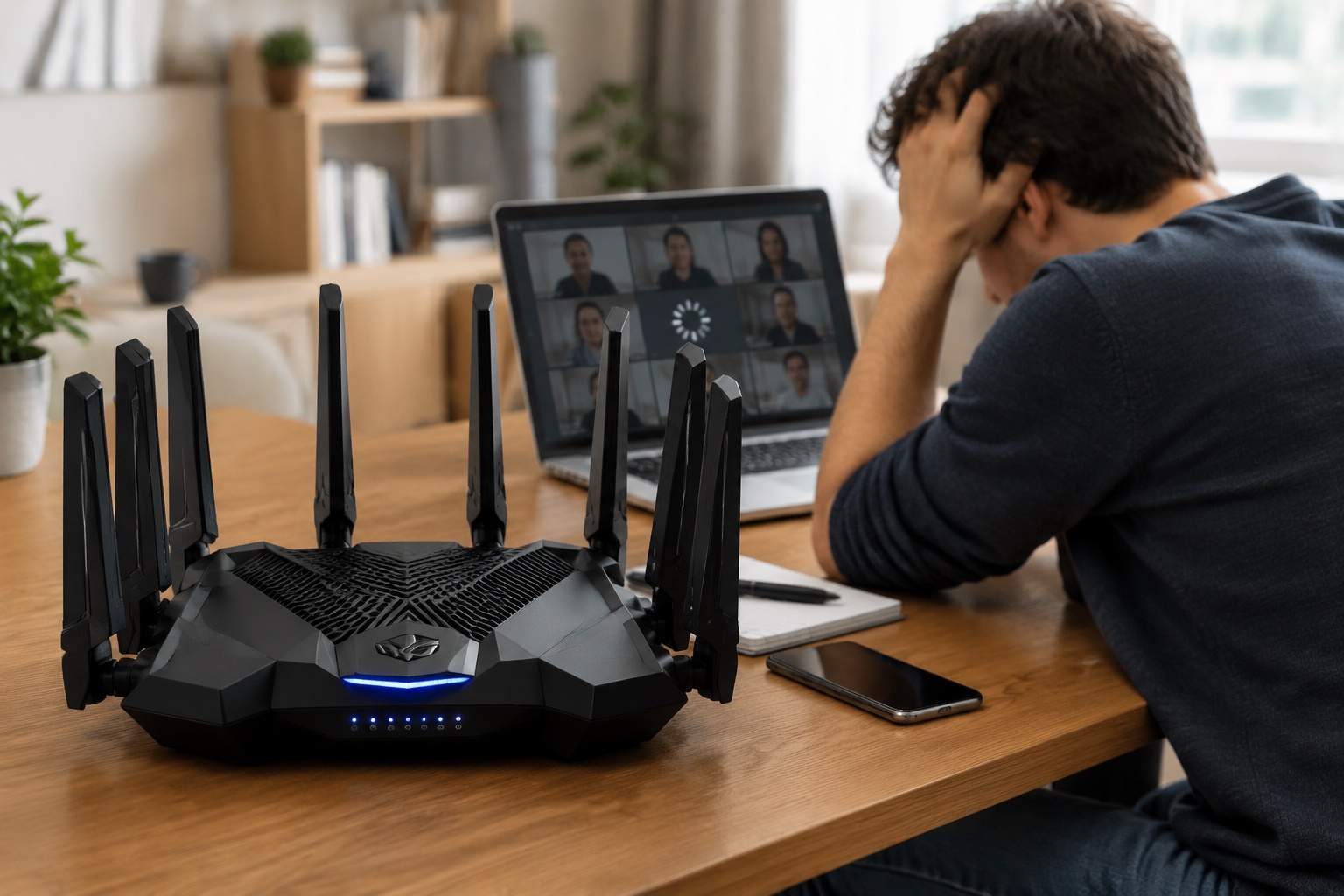
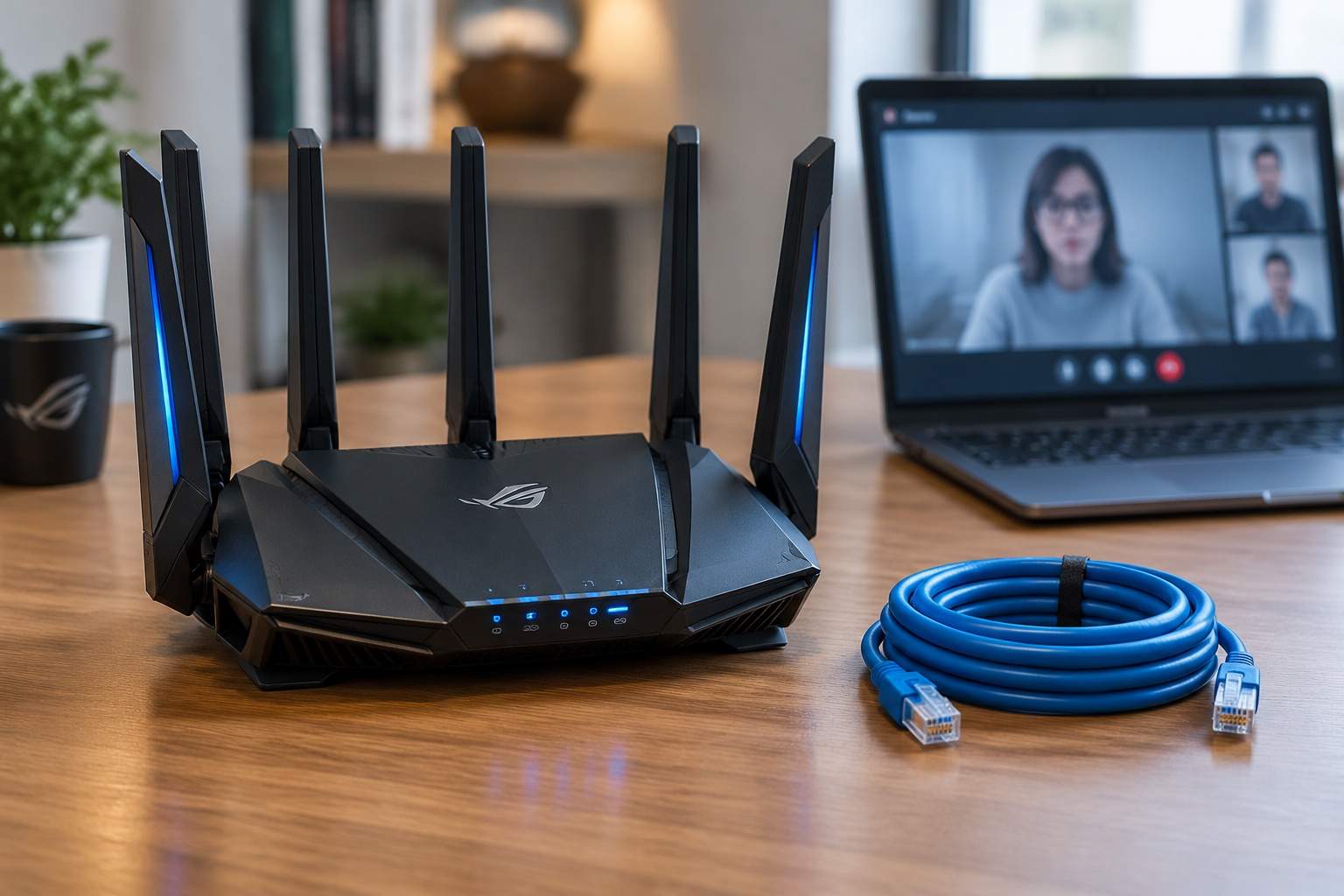
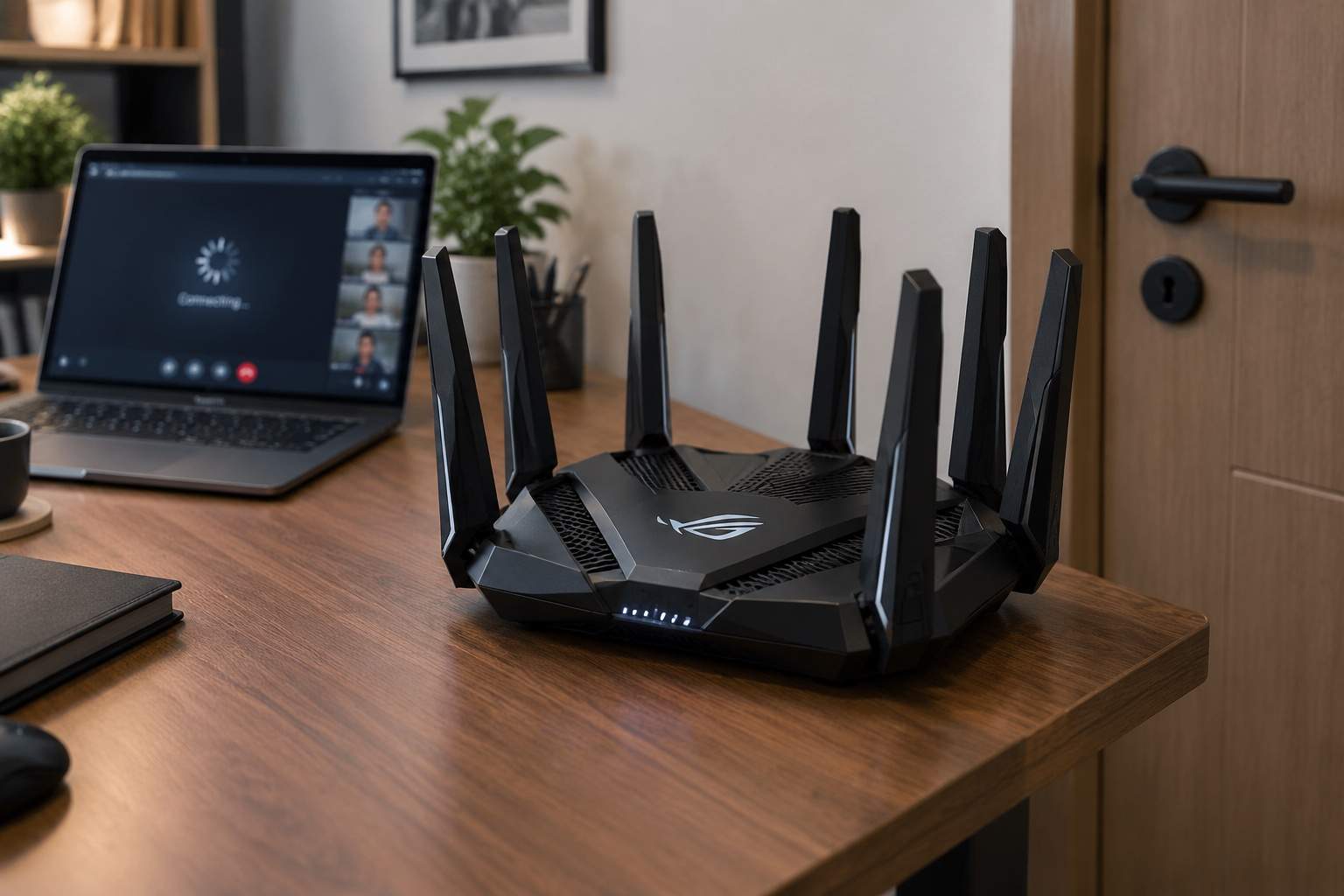
You just spent three hundred dollars on a device that looks like a mechanical spider. It has eight antennas, a "gaming" badge, and promises speeds that could download the entire internet in seconds. Yet, the moment you walk into the bedroom or your neighbor starts their microwave, your Zoom call freezes. As someone who has spent two decades in hardware engineering, I am here to tell you that your expensive flagship router might be the very reason your connection feels like dial-up.
The biggest lie in consumer networking is that more antennas equal more range. In reality, most high-end routers are like an eight-lane highway that narrows down to a two-lane bridge. Your smartphone or laptop almost certainly only has two internal antennas. When your eight-antenna router screams at a two-antenna phone, the mismatch creates massive digital noise. It is like trying to have a conversation where one person uses a megaphone and the other whispers. The result is not speed; it is packet loss and retransmission.
We need to talk about the Mesh trap. Manufacturers love selling you three-pack systems to cover your whole house. If you connect these units wirelessly, you are effectively cutting your speed in half immediately. This is because of wireless backhaul. Each node uses a massive chunk of its bandwidth just to talk to the other nodes, leaving only the leftovers for your devices. I have seen users replace a single $100 router with a $500 Mesh system only to see their latency jump from 15ms to 60ms because the nodes were "chattering" too much.
Industrial design in the flagship market has become a disaster for performance. Those massive plastic shells are designed to look "aggressive," but they often trap heat. I have tested routers where the internal CPU hits 80 degrees Celsius during a 4K stream. When a router gets hot, it throttles. It intentionally slows down its processing power to prevent melting, which manifests as those random "network unstable" warnings during your gaming sessions. A simple, well-ventilated metal box will outperform a plastic spaceship every single time.
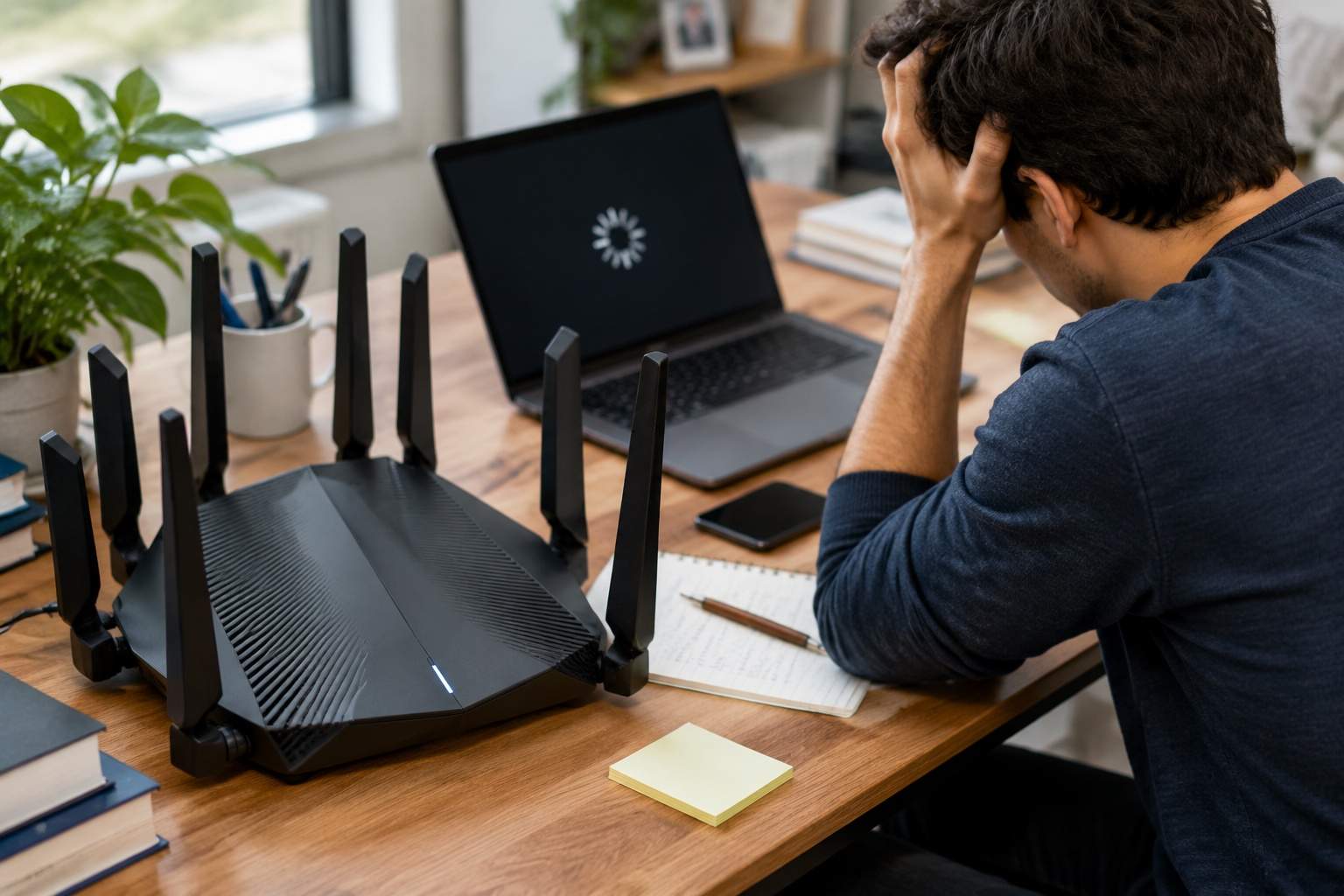
Let’s look at the data on Wi-Fi 7 and MLO technology. While it is the future, it is currently a ghost for most users. If your phone was made before 2024, it cannot use the features you paid for in that flagship router. You are essentially paying for a Ferrari engine but driving on a dirt road limited to 20 miles per hour. The "Flagship" label is often just a tax on early adopters who do not realize their hardware environment is the bottleneck, not the router.
The efficiency play is simple. If you want a stable home office, stop buying more antennas and start buying Ethernet cables. A ten-dollar Category 6 cable connecting your router to your computer will provide a more stable signal than a thousand-dollar wireless setup. If you must go wireless, look for a tri-band system that has a dedicated frequency just for the nodes to talk to each other. This prevents your Netflix stream from competing with the internal network traffic.
Pros of these flagship devices include high maximum capacity for homes with fifty or more smart devices and better security software suites. However, the cons are significant: high power consumption, massive physical footprints, and a price-to-performance ratio that makes no sense for the average household. They are built for mansions with zero interference, not for suburban homes or city apartments where twenty other Wi-Fi signals are fighting for the same airwaves.
For the person working from a home office, the "pro" move is not the $300 router. It is a mid-range router placed in the center of the house, raised at least five feet off the ground, and away from the kitchen. In a real-world test, moving a basic $60 router from the floor to a shelf increased signal strength by 40%, a bigger jump than any "Turbo Boost" button on an expensive flagship could ever provide.
Stop buying the marketing hype of more antennas and flashy LEDs. Technology should serve you, not take up half your desk and your entire paycheck for features your devices cannot even see. Focus on placement, minimize walls, and remember that in the world of networking, physics always beats a high price tag.