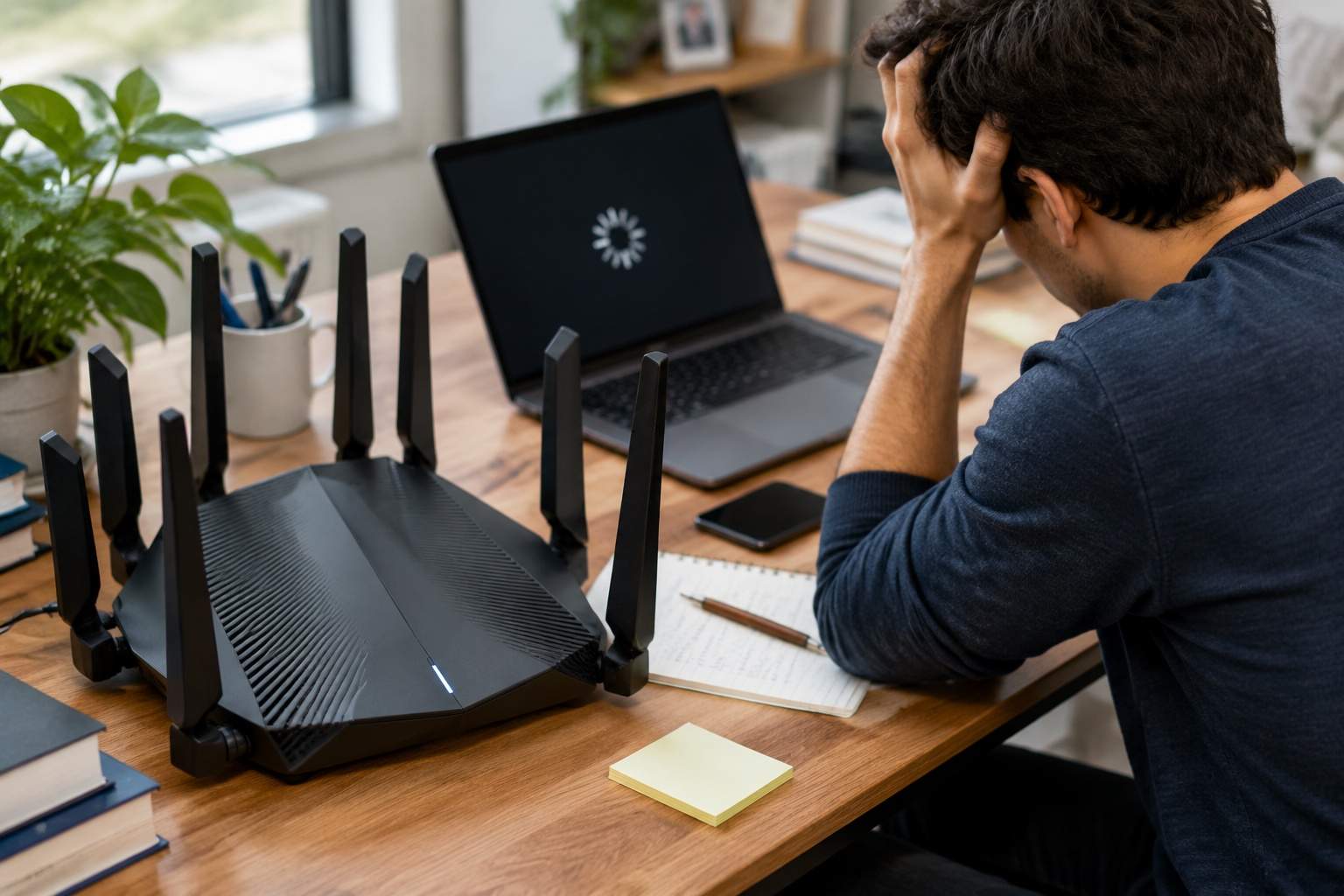
Ever find yourself staring at a spinning wheel, muttering curses at your perfectly good 5-year-old laptop? You're trying to open a large Excel file, maybe load a few browser tabs, and suddenly your machine sounds like a jet taking off. The immediate, gut-level reaction for most is, "My old processor just can't keep up anymore. Time for a new, faster CPU!" And that, my friends, is where many of us start digging a very expensive, unnecessary hole for our wallets.
Let's cut through the tech jargon and get straight to what truly matters: your daily digital grind. The vast majority of laptop users — whether you're a student writing papers, a remote worker juggling emails, or a casual browser streaming cat videos — don't hit their CPU's limits on a regular basis. Think of your CPU like the brain of your computer. Modern brains, even a few years old, are still incredibly capable. They can process billions of instructions per second. So, why the slowdown?
The real culprit, more often than not, is something far less glamorous: your laptop's storage drive. Specifically, if you're still sporting an old-school Hard Disk Drive (HDD). Imagine the difference between having all your books neatly organized on a lightning-fast library conveyor belt versus someone having to physically run through a sprawling warehouse, searching for each book, page by page. That's the difference between an SSD (Solid State Drive) and an HDD.
An HDD is a mechanical beast, relying on spinning platters and read/write heads. It's literally a tiny record player inside your laptop. Every time you open a program, load a file, or even just boot up your system, that head has to physically move across the platter to find the data. This physical limitation means HDDs are inherently slow. We're talking about read/write speeds that often top out around 100-150 MB/s.
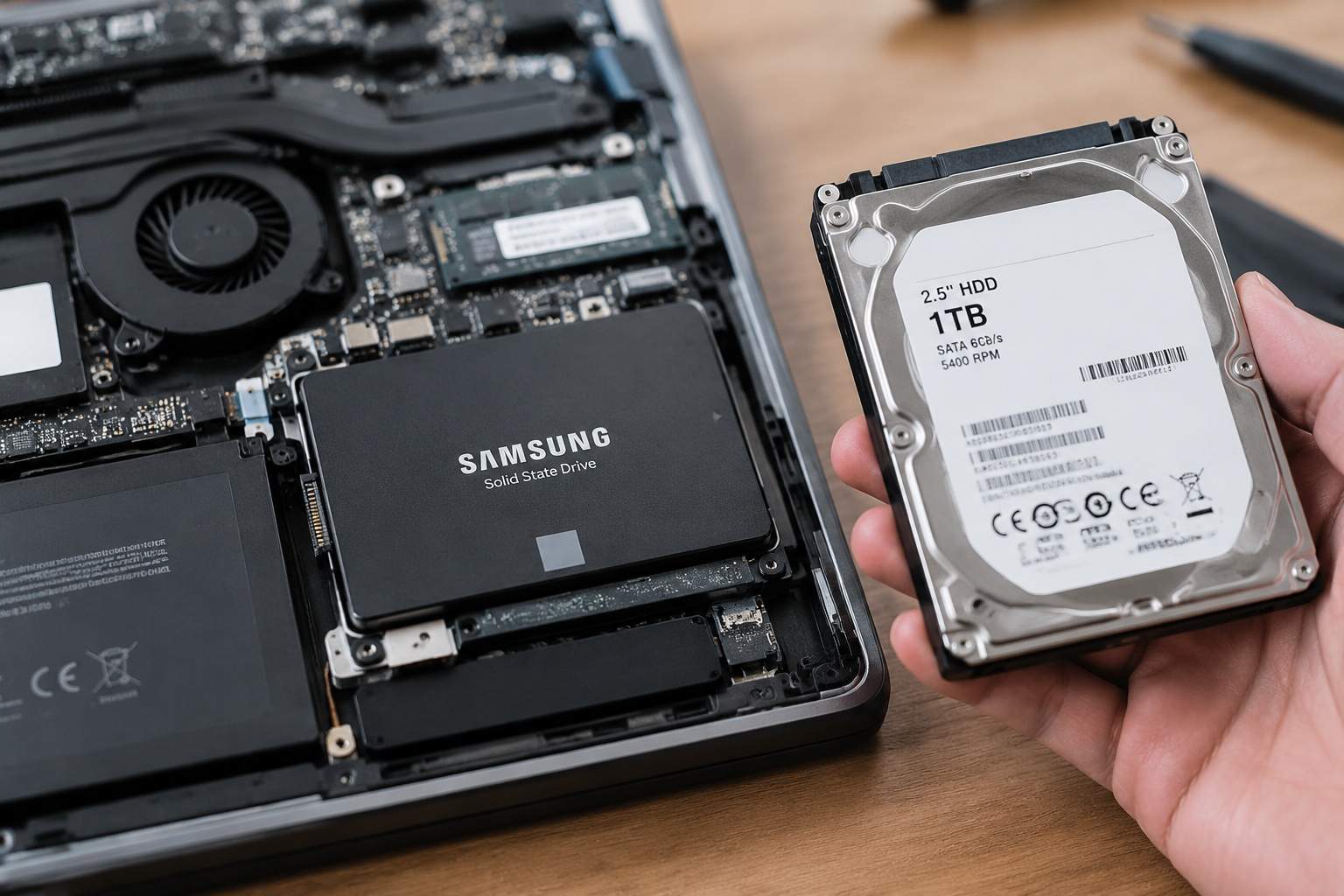
Now, compare that to an SSD. These are the unsung heroes of modern computing. They have no moving parts, using flash memory chips to store data. This means instant access. We’re talking read/write speeds that start around 500 MB/s for a basic SATA SSD and can rocket past 3000 MB/s (or even 7000 MB/s for newer NVMe drives) – a 5x to 70x improvement! This isn't just a number; it's the difference between waiting 60 seconds for your laptop to boot up and seeing your desktop in 10-15 seconds. It's the difference between a large spreadsheet loading in 20 seconds or snapping open in 3.
Let me give you a real-world scenario. A colleague of mine, a graphic designer, swore he needed a new high-end laptop because his 4-year-old machine struggled with large project files. He was about to drop $2000. I suggested a simple $80 SSD upgrade first. He swapped out his old 1TB HDD for a 500GB SSD. The difference was night and day. Applications that took ages to launch now popped open. File transfers that caused coffee breaks were done in moments. He saved $1920 and got years more out of his existing hardware. That's efficiency.
Beyond raw speed, SSDs offer other benefits. Because there are no moving parts, they are silent. No more jet engine fan noises just because you're opening a document. They consume less power, meaning slightly better battery life for your mobile warriors. And they are far more durable – drop your laptop with an HDD, and you risk data loss; an SSD laughs off minor bumps.
So, who is this upgrade for? Almost everyone still running an HDD in their laptop. If your primary frustrations are slow boot times, sluggish application loading, or general system unresponsiveness, an SSD is your magic bullet. It will breathe new life into an otherwise perfectly capable machine. Who might skip it? If you're genuinely pushing the boundaries with heavy video editing, complex 3D rendering, or serious scientific computing, then yes, a faster CPU and more RAM might be necessary. But for the 99% of us, the SSD is the performance king.
The beauty of the SSD upgrade is its pragmatism. It's a relatively affordable, DIY-friendly solution that delivers the most noticeable performance boost for your daily tasks. You don't need to be a tech wizard; there are countless guides online for cloning your old drive and installing a new one. It empowers you to take control of your technology, making smart, informed choices instead of just blindly chasing the latest, greatest, and often unnecessary, new product.
In an era of information overload and constant upgrades, remember: technology should serve you, not the other way around. Don't let marketing hype dictate your next purchase. Understand the true bottlenecks, fix them wisely, and let your existing tools work harder for you.