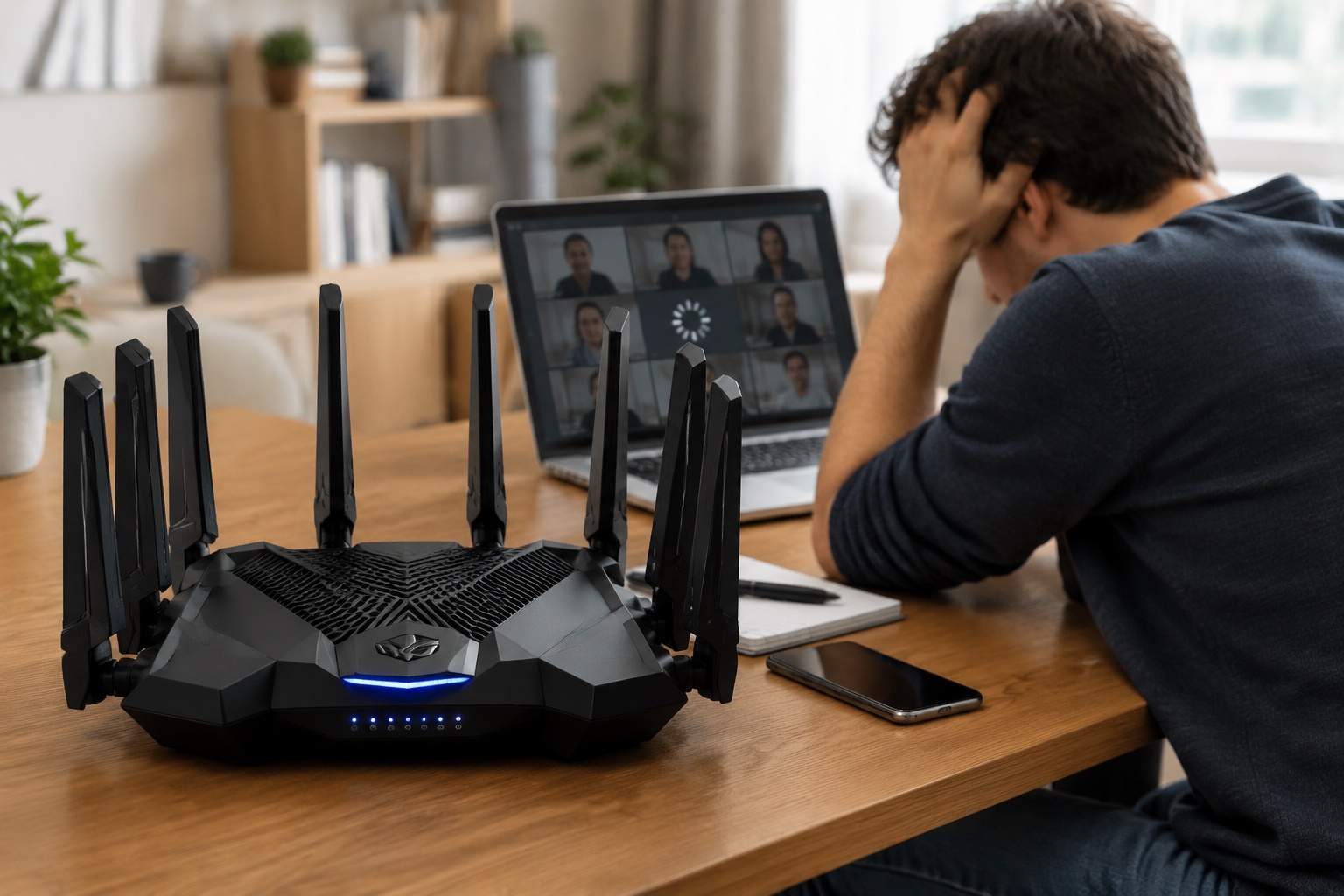
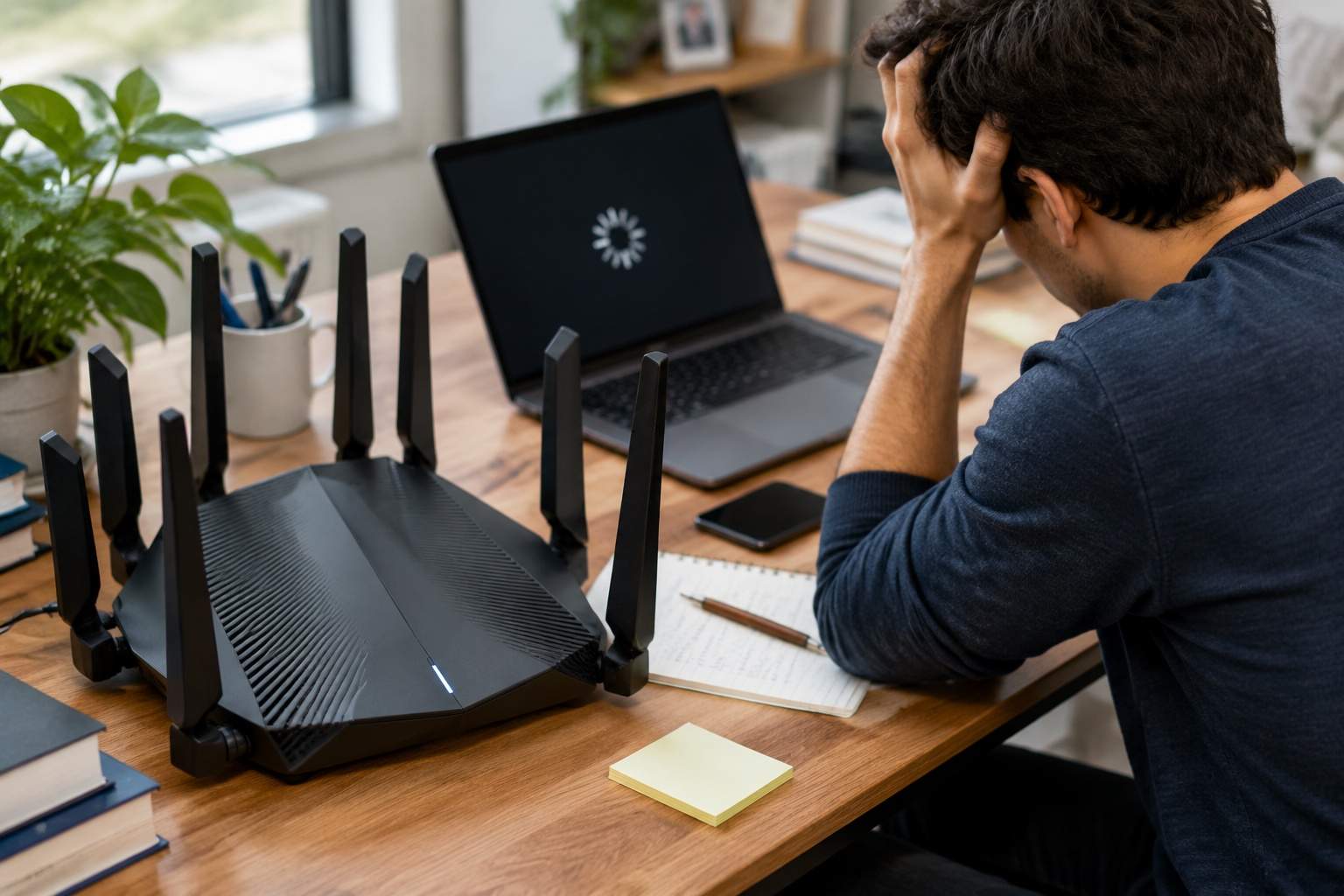
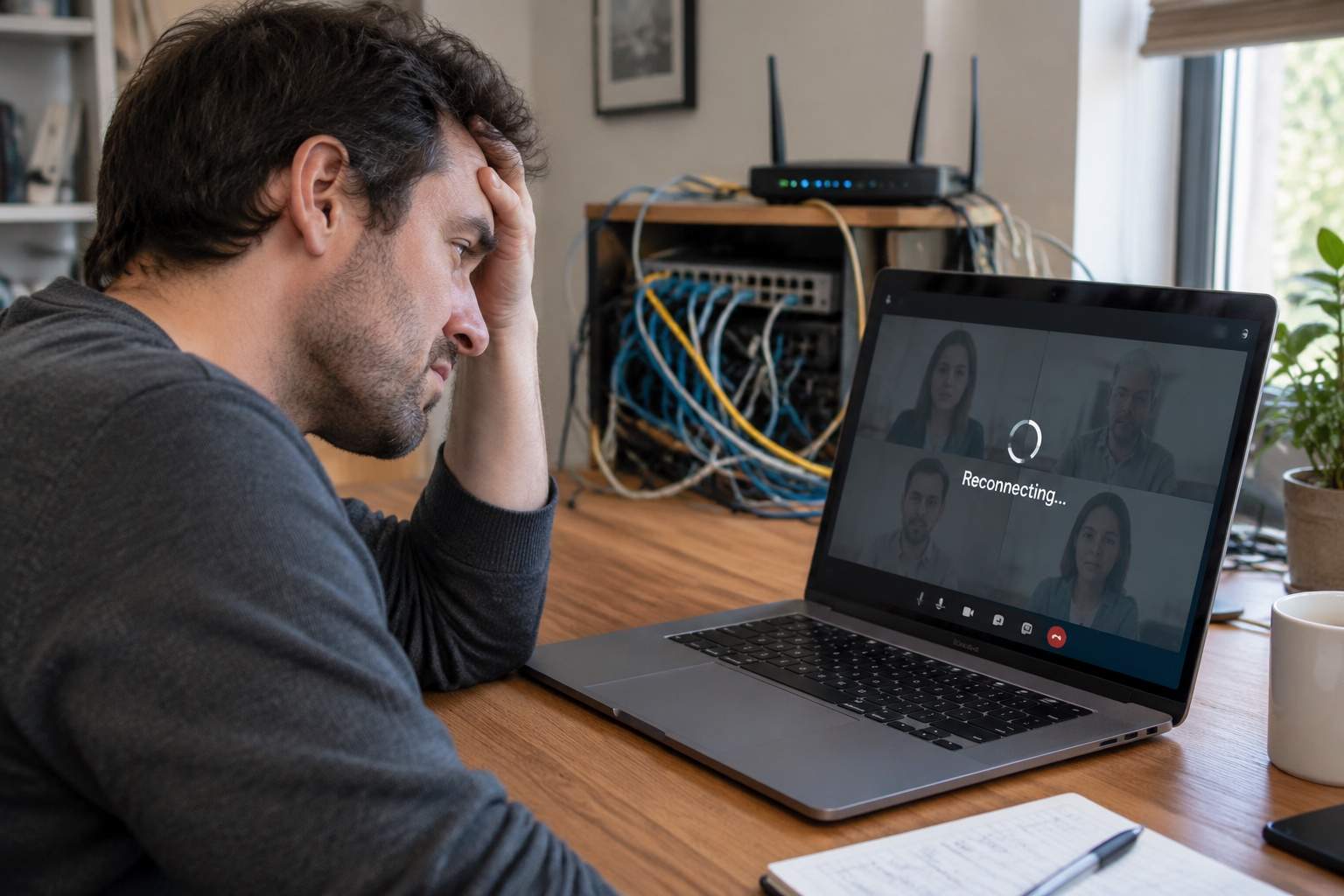
You’re staring at the dreaded "Reconnecting..." message again. Your boss's face is frozen in a pixelated grimace, or your crucial interview is buffering into oblivion. And it stings, doesn't it? Because you're paying for "Gigabit Internet." You bought that fancy Wi-Fi 6 router. You thought you were fast. Yet, here you are, stuck in digital molasses, feeling like technology just played a cruel joke.
It’s a common misconception, one spun beautifully by marketing departments: bigger numbers mean better internet. Many believe that simply buying more bandwidth, like a 1000Mbps (Gigabit) plan, or upgrading to the latest Wi-Fi standard like Wi-Fi 6 or 7, automatically guarantees a flawless experience for demanding tasks like video calls, online gaming, or real-time work. My friends, as a long-time hardware engineer who's seen more network cables than hot dinners, let me tell you: that's often a well-marketed lie. You're likely paying for speed you can't truly use, while the real villains lurk elsewhere.
Consider this: a high-definition video call, even with multiple participants, typically needs only 5-10 Megabits per second (Mbps) of stable bandwidth. So, if you're getting 500Mbps, let alone 1000Mbps, why are you still lagging? The answer isn't raw speed; it's about network quality. Imagine a highway. Gigabit is like having 100 lanes. But if those lanes are full of potholes, constantly stop-and-go traffic, or even closed entirely, how fast will you actually get to your destination?
The true culprits are often latency, packet loss, and jitter. Latency is the time it takes for a data packet to travel from your device to its destination and back. For a smooth video call, you want latency below 50 milliseconds (ms). Anything above 100ms, and you'll notice delays; above 150ms, and conversations become frustratingly staggered. Packet loss, meanwhile, means data packets simply don't make it, forcing retransmissions and causing visual glitches or audio dropouts. Jitter is the variation in delay, making your connection feel inconsistent.
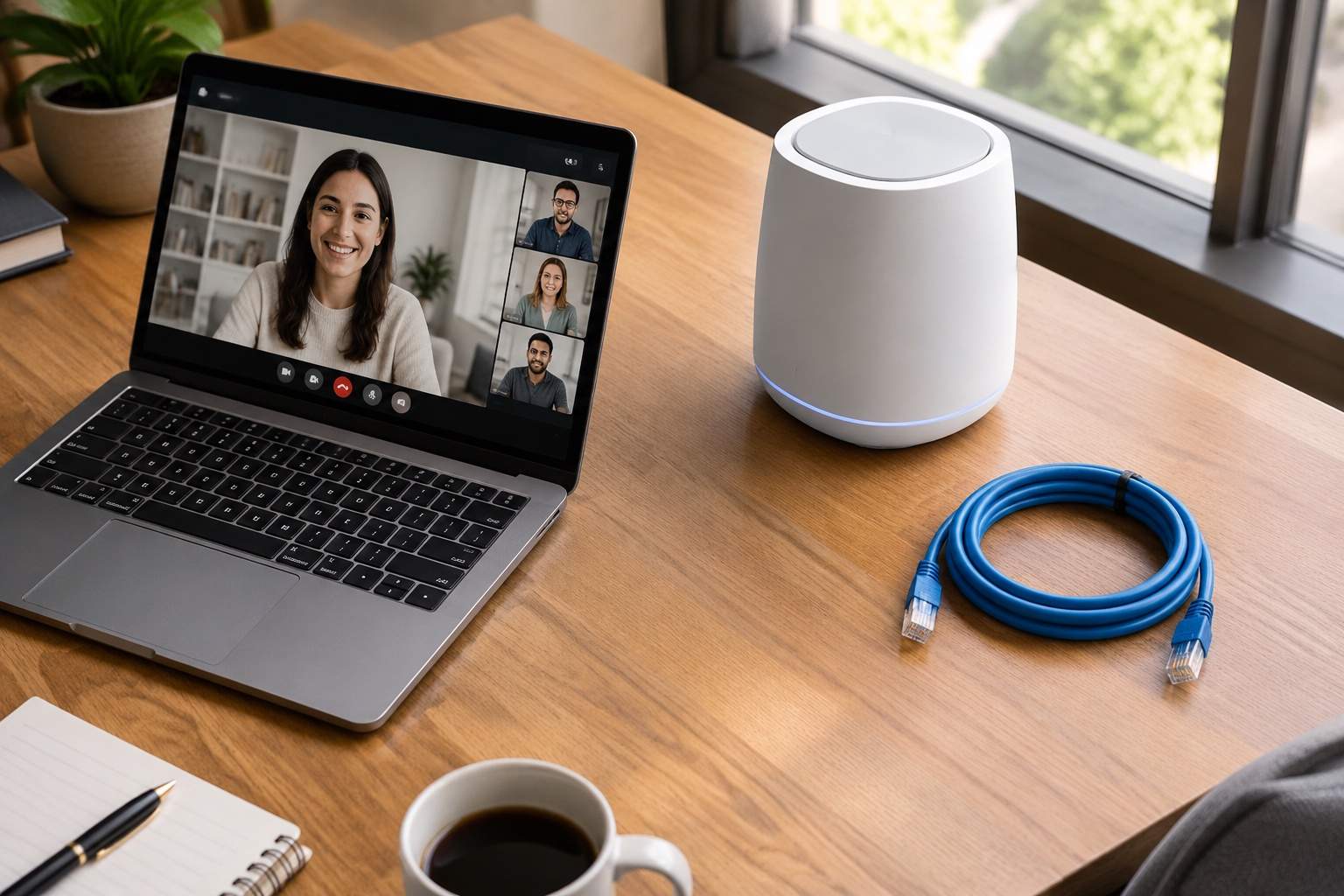
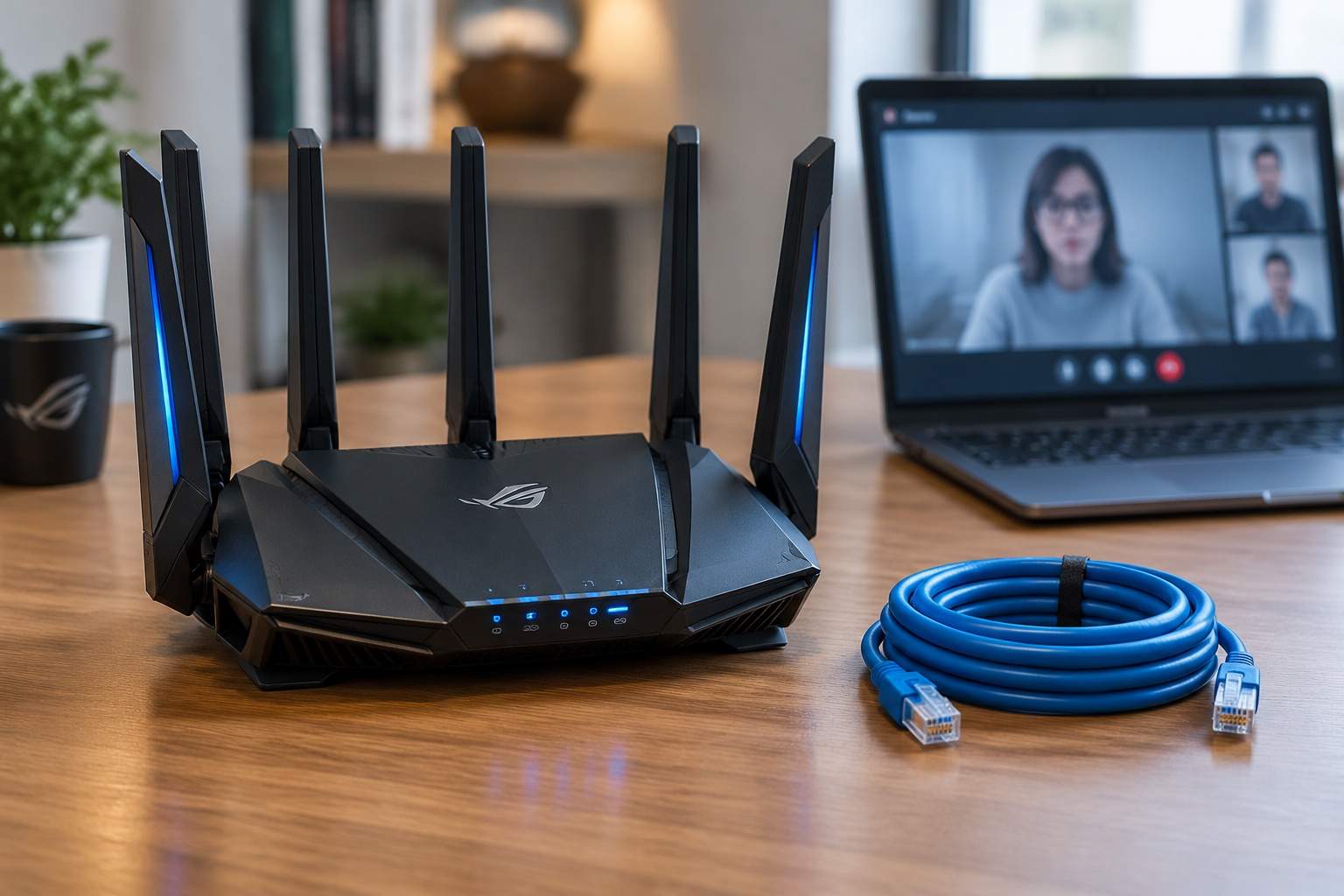
Now, how do we fix this without raiding your wallet for another "faster" upgrade? First, let's talk about the unsung hero: the Ethernet cable. While Wi-Fi is convenient, it's susceptible to interference from everything from microwaves to your neighbor's router. If your work PC or gaming console is stationary, connect it directly to your router with a Cat5e or Cat6 Ethernet cable. This simple act can drop your latency by 20-50ms and virtually eliminate packet loss, instantly transforming your experience. Imagine a financial trader needing immediate market data – a wired connection is their lifeline, not just a preference.
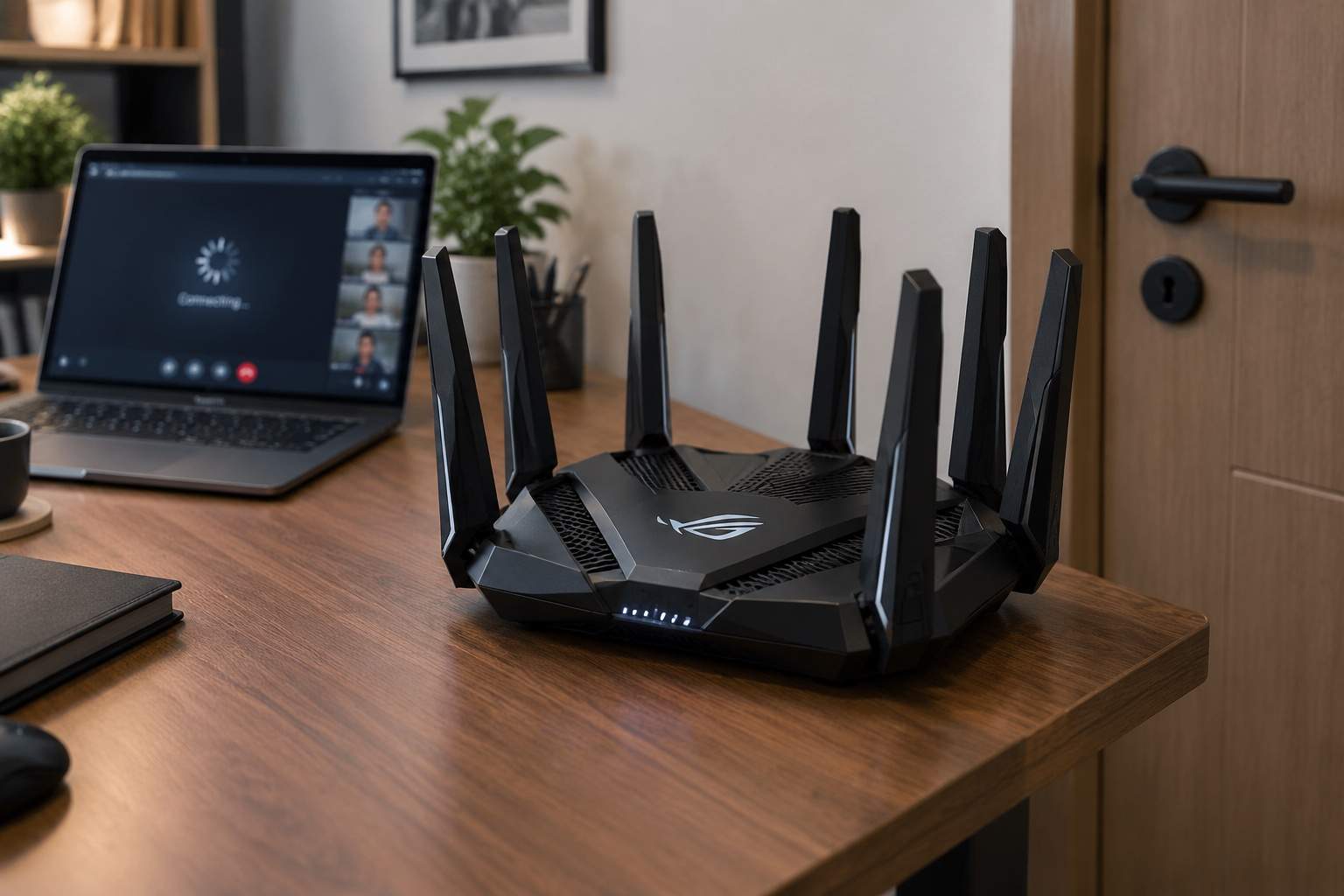
Next, your router's placement matters more than its price tag. Tucking your router in a closet or behind a TV cabinet is like trying to shout instructions from another room during a fire drill. Wi-Fi signals lose strength rapidly with distance and obstructions like walls, floors, and large appliances. Experiment with placing your router centrally, high up, and away from other electronics. A 10-foot move can sometimes double your effective Wi-Fi speed and significantly reduce signal dropouts. Think of it as giving your Wi-Fi signal room to breathe.
Then, there's the hidden power of Quality of Service (QoS) settings on your router. Many modern routers, even mid-range ones, have QoS features that allow you to prioritize certain types of traffic – like video calls or gaming – over less urgent tasks, such as background software updates. In your router's administration panel (usually accessed via a web browser), look for "QoS" or "Traffic Prioritization." Enabling and configuring this means your vital presentation gets VIP treatment on your network, even if someone else is streaming 4K video or downloading a massive game update. It's like having a traffic controller for your home internet.
Wi-Fi channels are another silent battleground. Your router transmits data on specific frequencies or "channels." If your neighbors' Wi-Fi is also on the same channel, it creates digital traffic jams. Using a Wi-Fi analyzer app on your phone (many free ones exist) can show you which channels are congested. Switching your router to a less crowded channel (usually channels 1, 6, or 11 in the 2.4GHz band, or various channels in the 5GHz band) can significantly improve signal stability and speed, especially for older devices or those further from the router. This is like finding an empty lane on that congested highway.
Finally, consider the age of your router. While I'm not advocating for constant upgrades, an ancient router (5+ years old) might genuinely be a bottleneck, not because it lacks "Gigabit" support, but because its internal processor struggles with modern network loads or its Wi-Fi radio is outdated. If you've tried everything else and still suffer, a newer, mid-range router (often around $80-150) might offer better QoS capabilities, stronger signal, and improved overall stability, especially if you have many devices. Look for one with good processor reviews, not just high theoretical speeds. This is one instance where a targeted investment might pay off, but only after optimizing everything else.
The goal isn't to chase ever-increasing bandwidth numbers, but to create a stable, efficient digital environment. By focusing on latency, packet loss, and smart network configuration – often with little to no additional cost – you can finally transform that "fast" internet plan into a genuinely reliable and productive experience. Let technology serve you, not frustrate you.